For the Cloud version:
1. In Excel, go to the Home tab > Add-ins > More Add-ins.

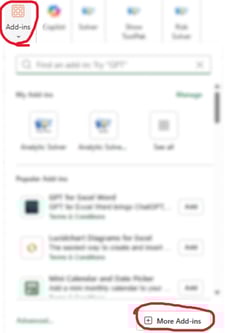
2. In the Add-in Store pop-up, click "Manage your apps".

3. Click the three dots next to Analytic Solver add-in, then select "Remove". Repeat for the Data Science add-in.

For the Desktop version:
1. Close Excel. In Windows Settings, go to Apps > Installed Apps.
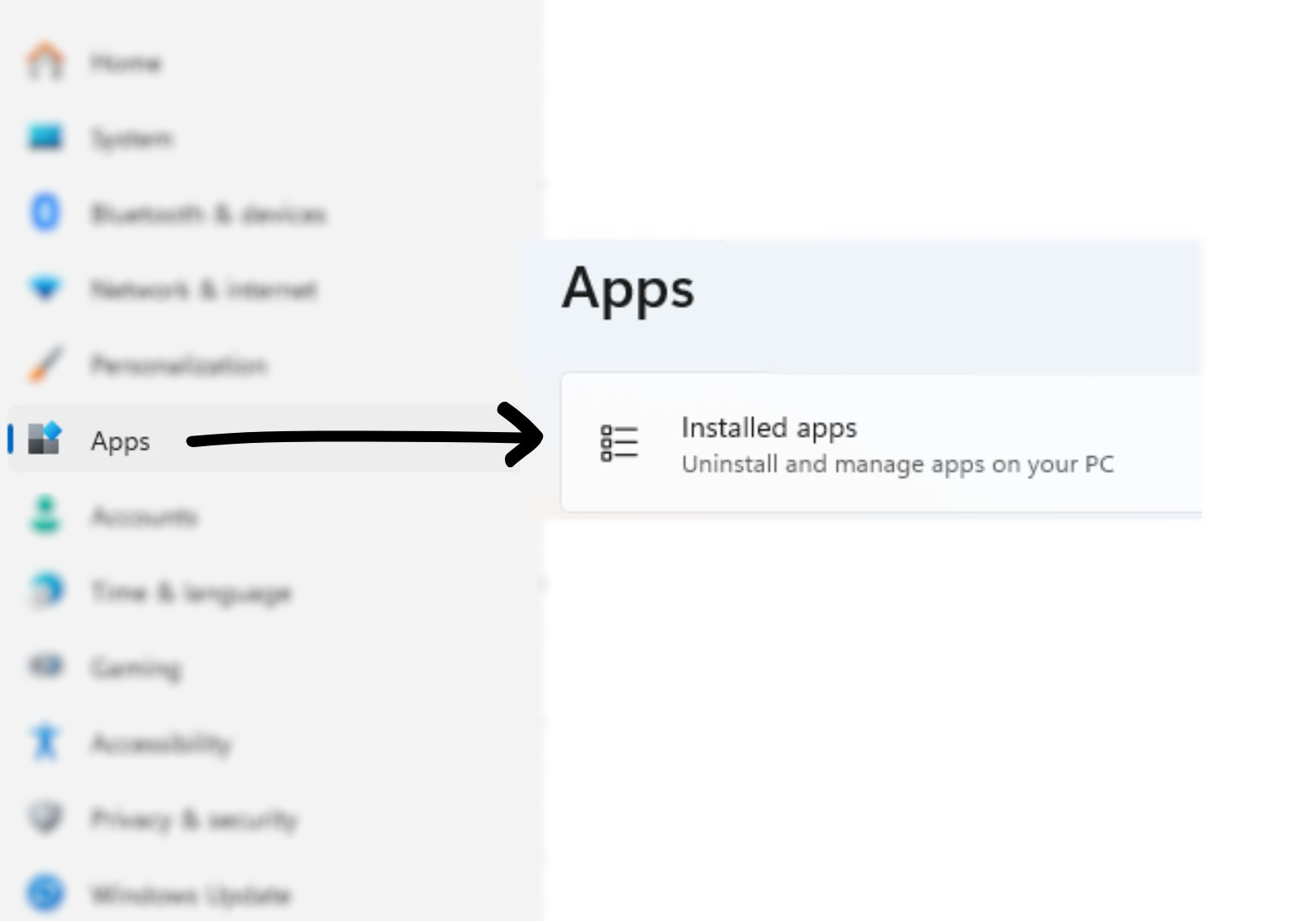
2. Search for "Frontline". Click the three buttons next the application then select "Uninstall".
